








Turn team knowledge into
workplace learning.
Create role-based learning, give people practice, and keep progress visible to the managers who support them.
Explore how Osmo worksLearning.
Put to work.
From your team’s knowledge.
To learning people can use.
Turn your team’s procedures and expertise into role-based learning. Connect lessons with practice, manager review and follow-up.
Learning that fits
Start with the knowledge in your team. Shape it into learning for the roles that need it.
Make it relevant
Connect learning paths and lessons with the work each person needs to do.
Build understanding
Give people practical questions and feedback as they move through their learning.
Review the next step
Bring progress, practical observations and follow-up together for manager review.
A clear view for every role
Keep learners, managers and trainers connected to the next step they can support.


Create, deliver and review.
In one connected place.
From the knowledge in your team to the next step in someone’s development.
A clear view.
For every role.
A clearer view for everyone. Follow the journey from assigned learning to practice and manager review.
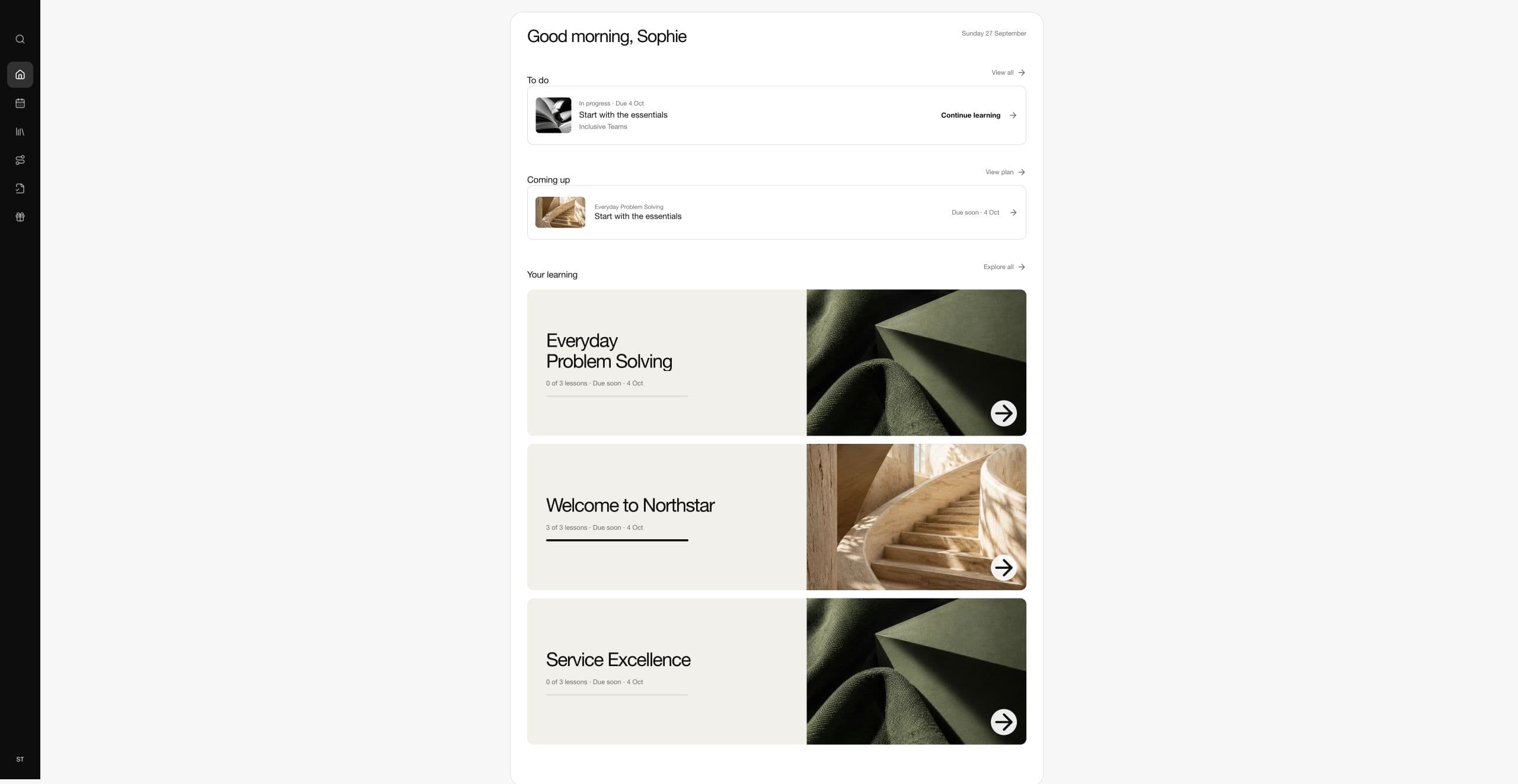
Show each person their next step
Give each learner a clear view of assigned work, what is coming up and where to go next.
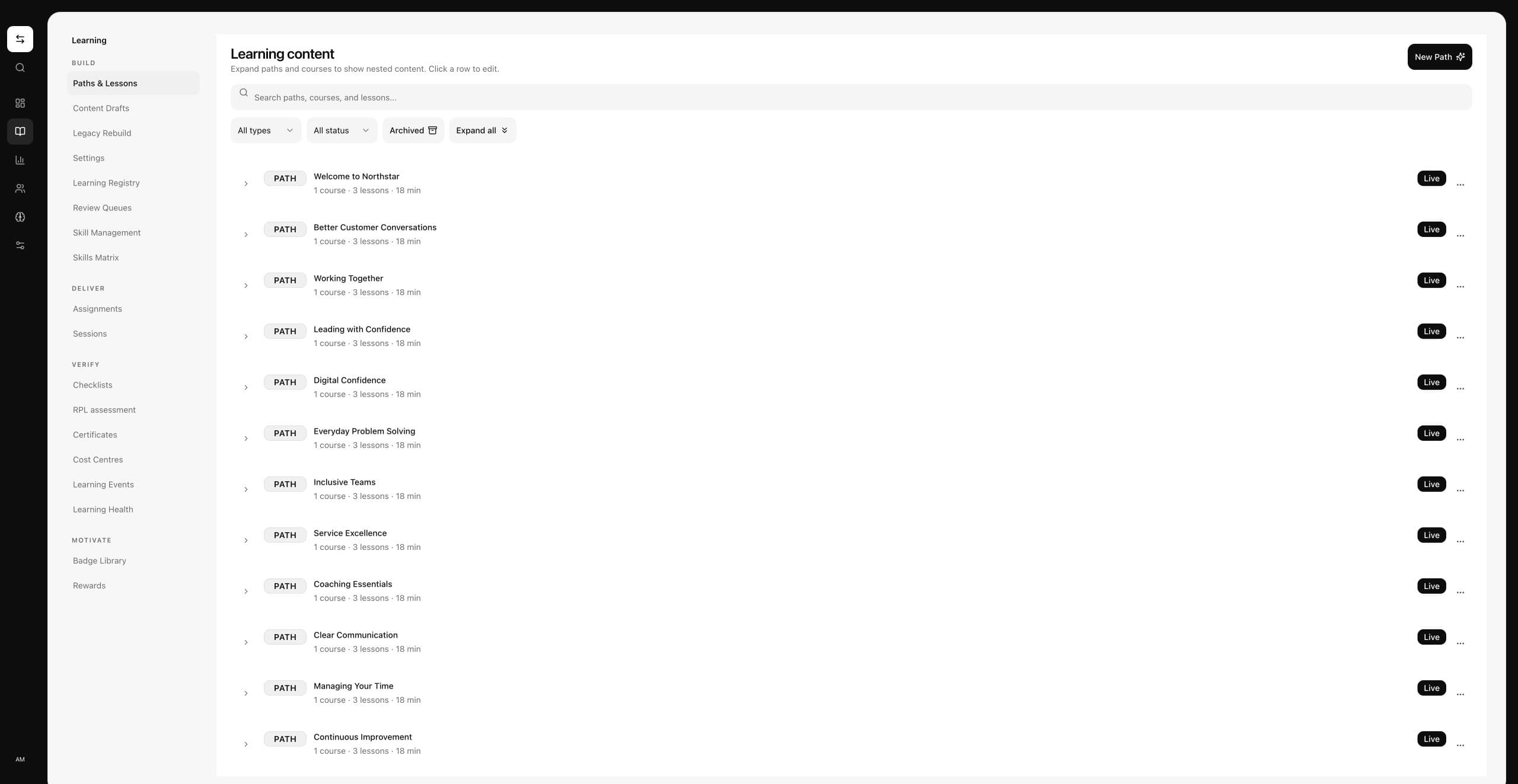
Teach what the work requires
Organise paths, courses and lessons, then connect relevant learning with each role.
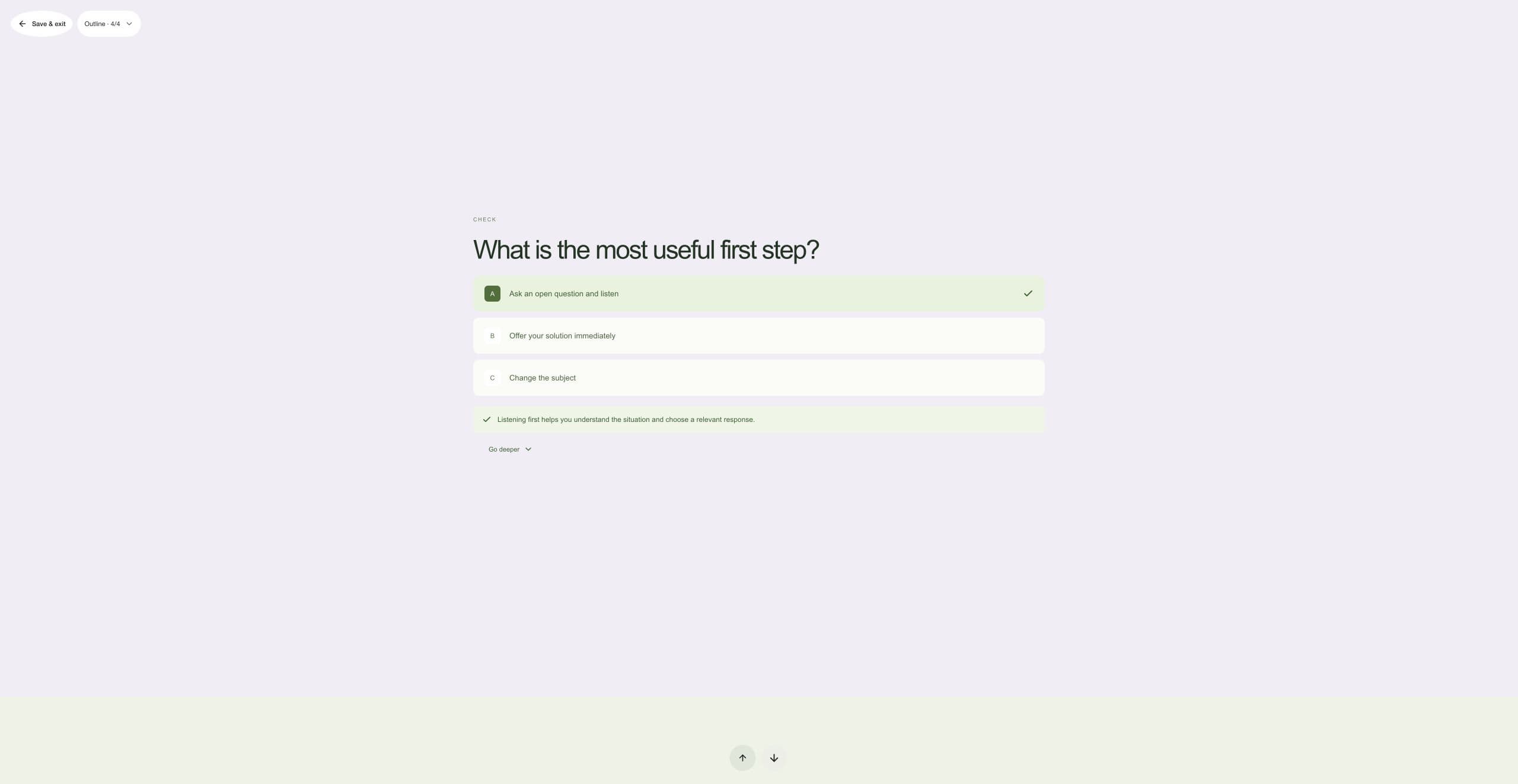
Turn knowledge into practice
Use focused knowledge checks and feedback to help people practise before they do the work.
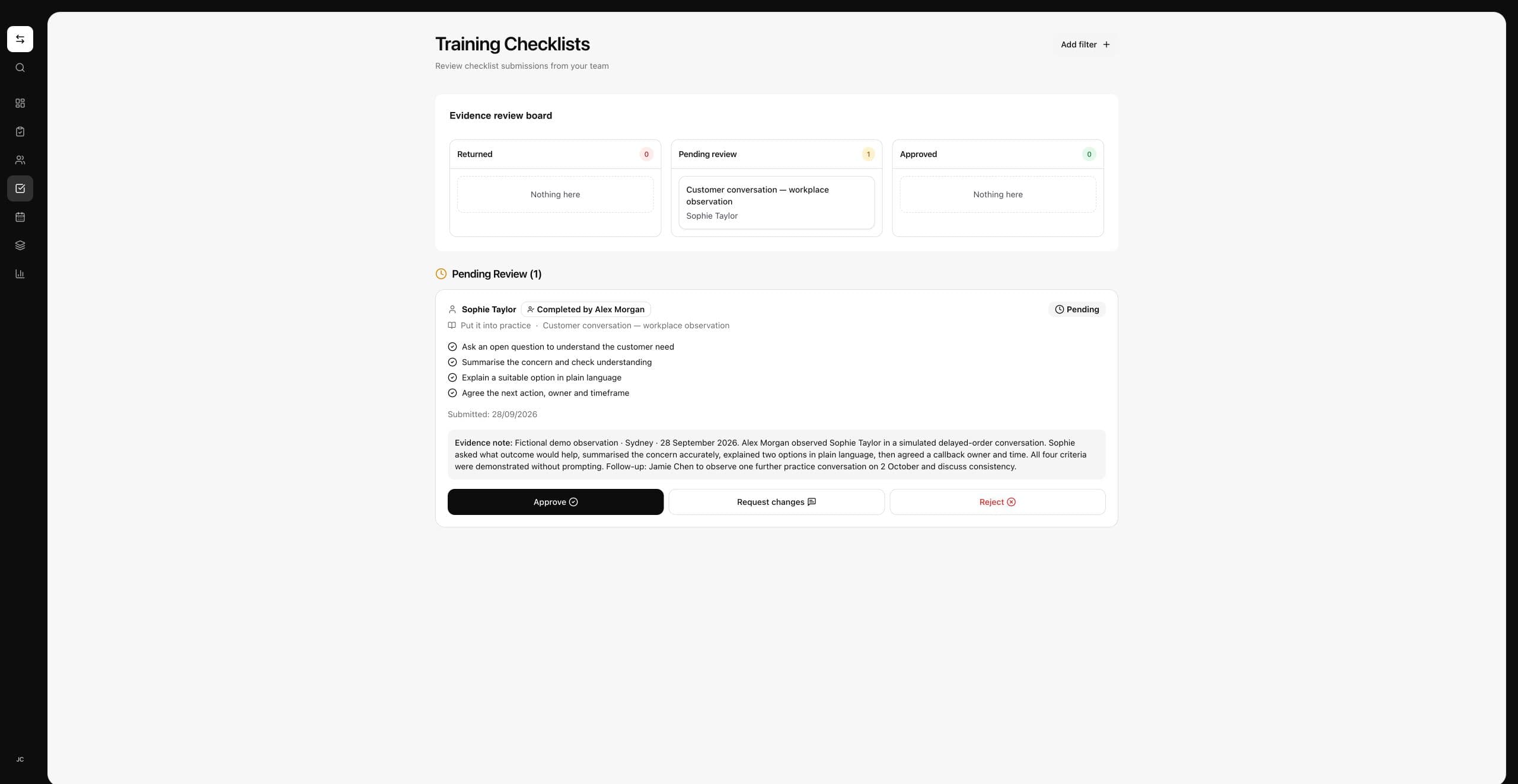
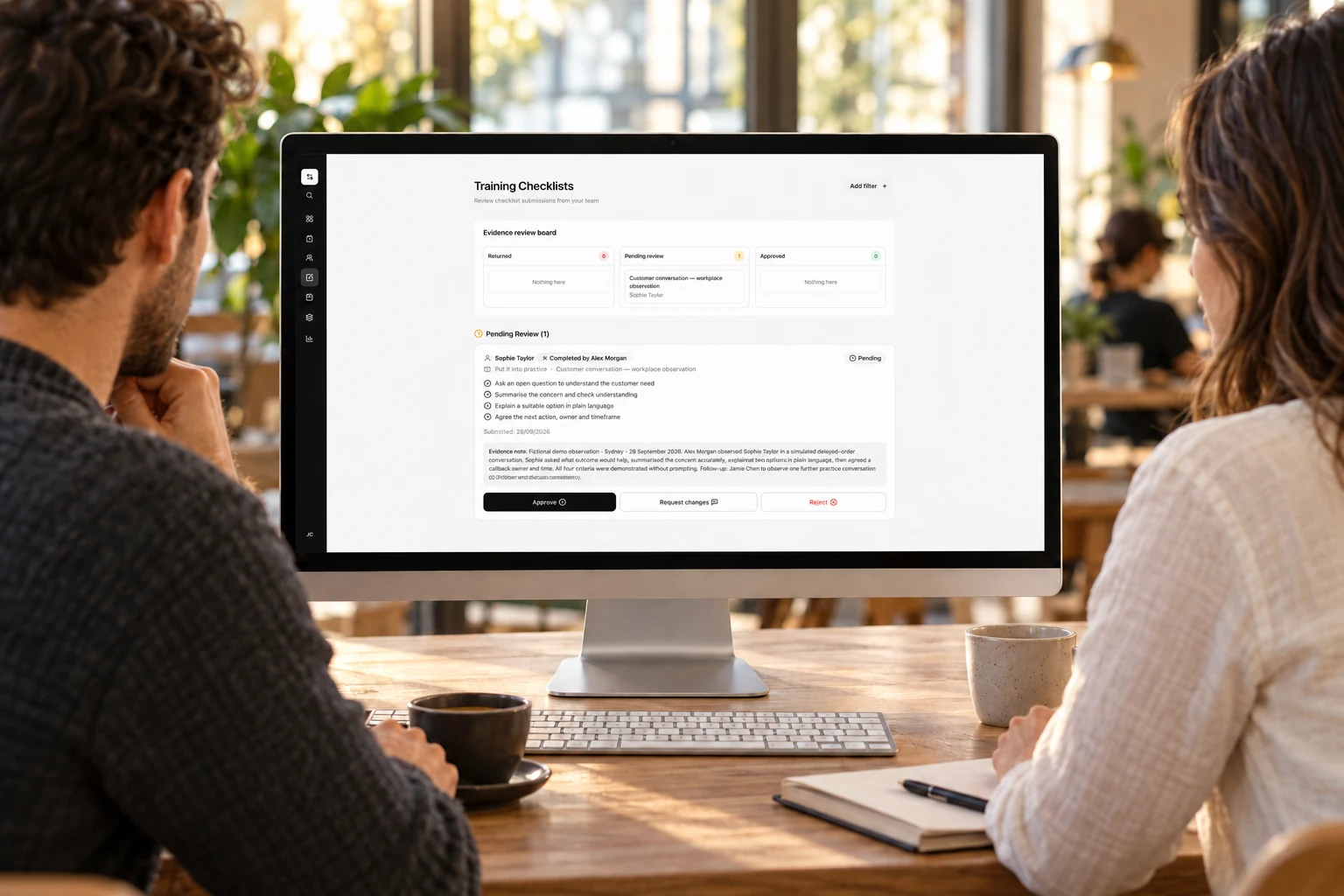
Review the observed work
See the criteria and evidence note before a manager decides. This fictional capture comes from an isolated local demo; the workflow is not yet deployed.
Support the moments
that shape someone’s work.
Onboarding

Help new starters find their feet with clear learning and role information from day one.
Explore onboardingLearning

Connect structured learning with practice, feedback and the work people do every day.
Explore learningDevelopment
Bring progress, practical observations and follow-up together for a more useful conversation.
Explore developmentPractical guides for
workplace training.
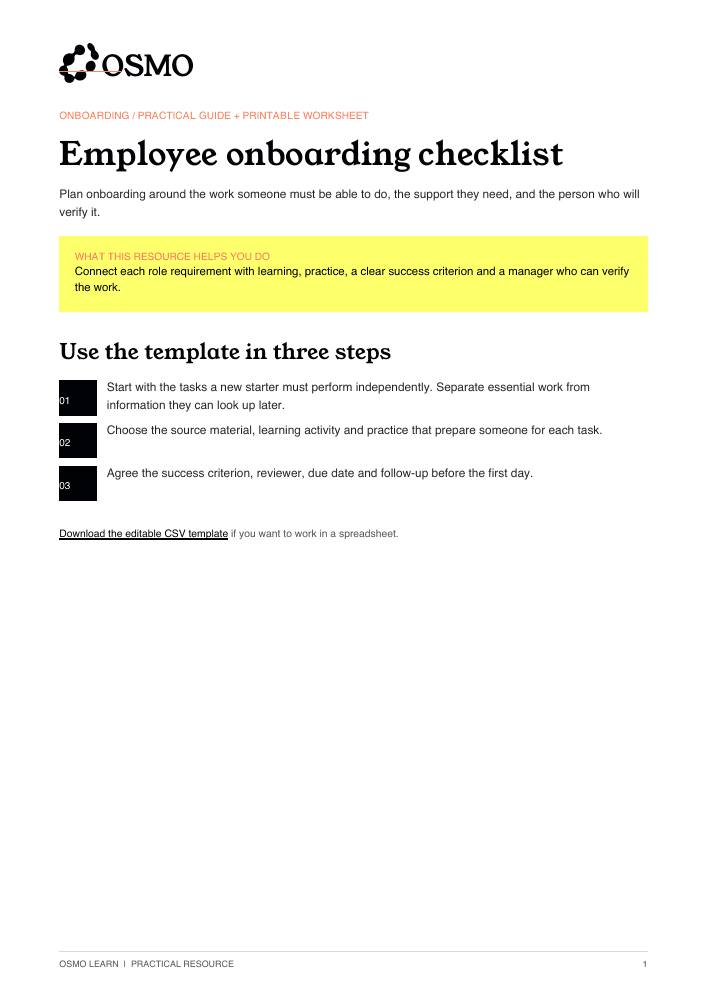
Employee onboarding checklist
Plan onboarding around the work someone must be able to do, the support they need, and the person who will verify it.
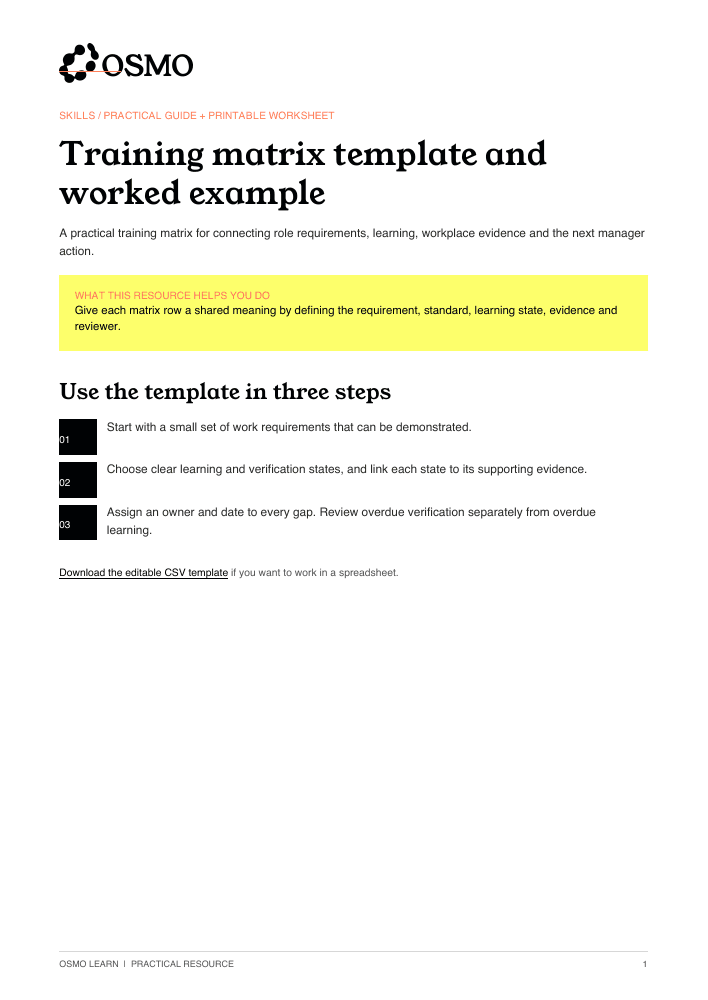
A training matrix you can use with your team
Download a free, editable training matrix template and printable guide. Start with one role: define the requirement, record learning and practical verification separately, then assign the next action to an owner.
Completion versus readiness
Finishing a course and being ready to perform a task answer different questions. Your learning record should preserve both answers.
Connect the platforms your team uses.
Explore HR and workforce platforms for your Osmo setup.


Agent ready.
Reporting where you work.
Connect Osmo to Claude and ChatGPT via MCP. Ask about your team’s learning and training, and bring reporting into the AI workspace you already use.
Questions about Osmo
Understand how Osmo supports your team, what managers can review and how to plan an evaluation.
More about Osmo